A company that can put its knowledge to work.
A customer request can touch sales, operations, company knowledge and several tools. We follow the whole job, then design and build useful AI with the people responsible for each step.
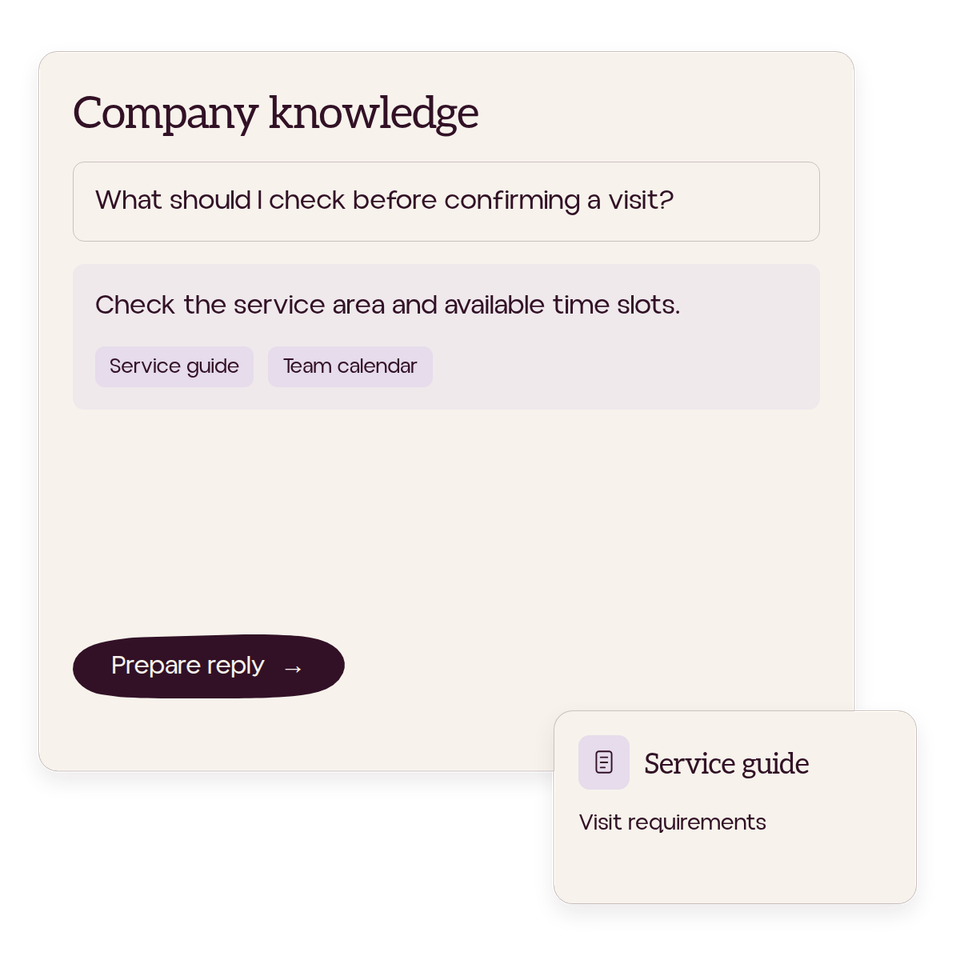
Company knowledge your team can use.
We map how people work and where the information lives, then agree a practical AI plan. We can connect approved documents and data so your team can find answers and check their sources.
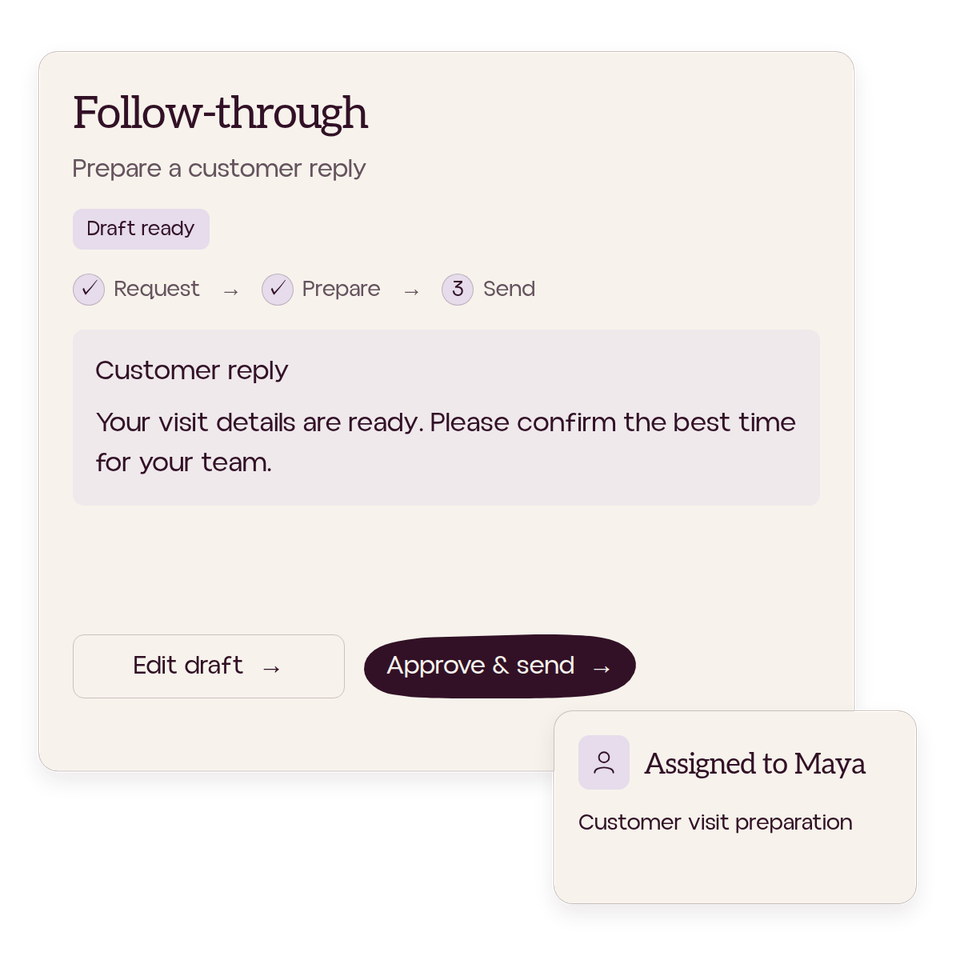
Connected workflows and AI agents.
We configure or build AI agents for agreed tasks, connecting existing tools where useful. People can request help or have work prepared from an approved trigger. We define access, review and responsibility. Your existing tools remain available.
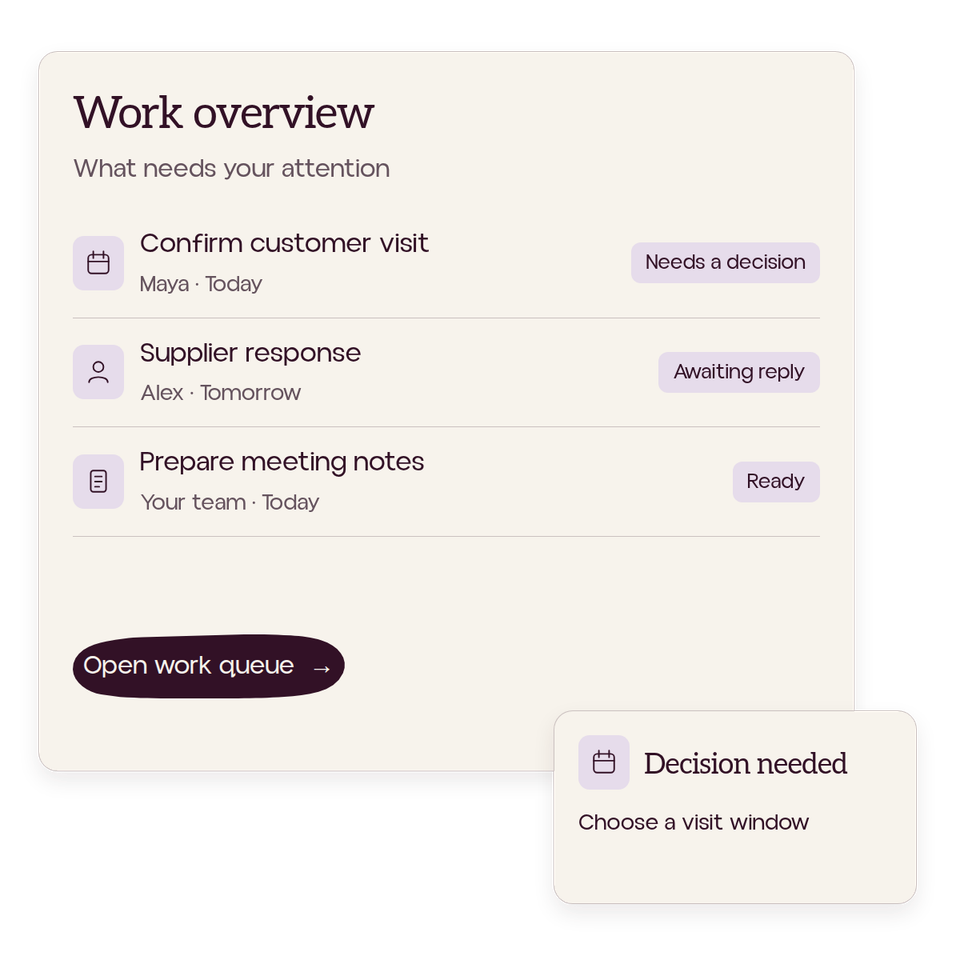
A clearer view of the work.
We bring work records together so people can see commitments, missing information and decisions—with sources and freshness visible. We agree who receives each result and handles a failed step.
Built to be used
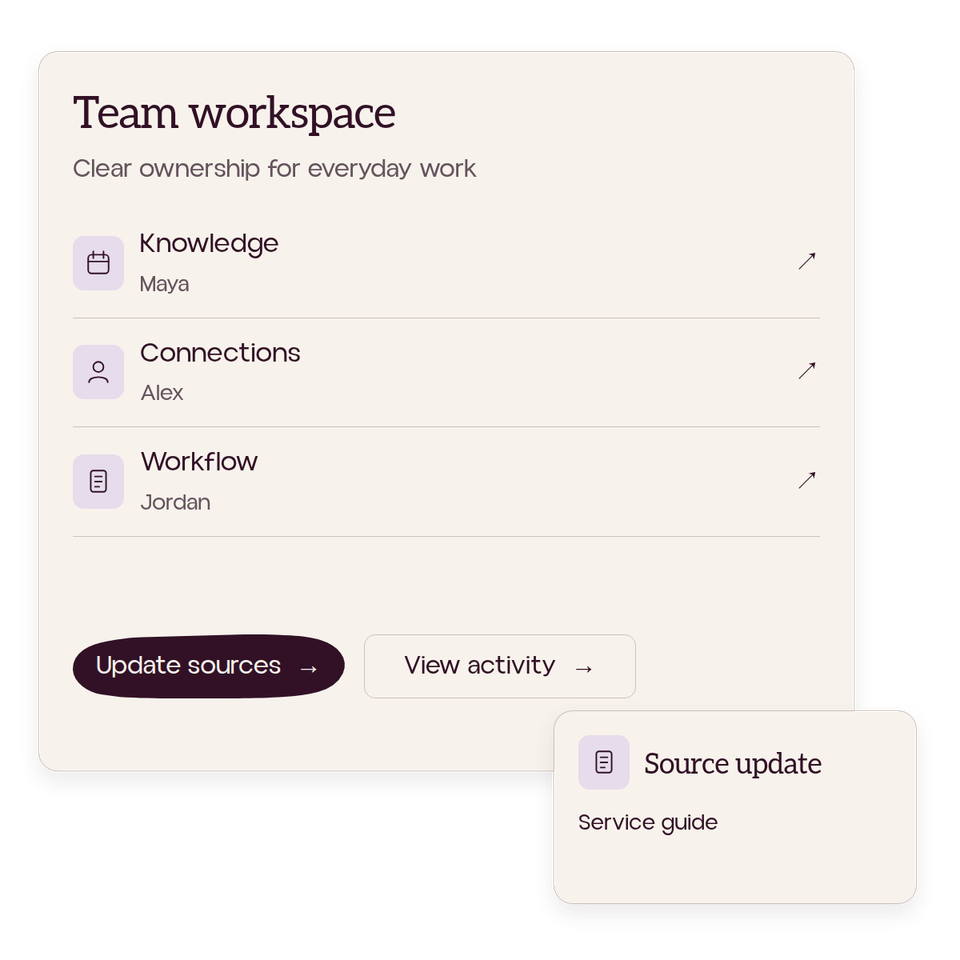
We design and test the work with your people, building training and practice in from the start. We hand over clear instructions and agree owners for access, source upkeep, review, maintenance and recovery. Ongoing support is optional and scoped separately.
Start with one useful workflow.
We compare changes to the way work is done, features in your existing software, connections between tools and custom engineering.
An Audit can help when the opportunity needs investigation. It isn’t required when an Install can already be scoped. We agree scope, access, costs and acceptance before building.
Keep exploring the work.
Read a practical guide, explore how we work or start a conversation.
 01 Keep learning
Resource
An employee can leave behind a folder full of instructions while the next person still struggles to do the job. The missing part may be which source to trust, when a rule applies or who resolves an exception.
- Practical guide
- Read at your pace
 02 Understand the company
Understand how your company really works.
We sit with the people doing the work, trace processes and examine the knowledge held across your systems. Together, we identify what is missing, where work gets stuck and what needs to be understood before choosing an AI implementation.
- Employee insight
- Process mapping
- Knowledge audit
 03 Apply what we learn
Build the context. Then put AI to work.
We turn that understanding into working capability. Where knowledge is missing or scattered, we capture and organise it with your team. We connect suitable tools, build agreed workflows and test them alongside your people, with training and practice built in from the start.
- Company knowledge
- Connected tools
- Team testing
 04 Maintain and improve
Talk about the work you want to improve.
Tell us where work gets stuck, what your team needs and what you want to change. We can discuss a useful next step.
- Your team
- Your workflows
- A next step