



Skip to content
br8n
Menu

Hands-on AI implementation

Improve real work through AI.

BR8N builds AI assistance around your company’s knowledge and the people doing the job. We connect the information and tools they need, test the assistance on real tasks, and help the team put it into practice.

Workplace scene: More time for your customers.

Build on what your company knows.

Your people know how customers are served, decisions are made and exceptions are handled. Some of that knowledge lives in documents and systems. Some lives in experience and everyday routines.

We work with your team to make the relevant knowledge available where it can help someone answer, prepare, decide or act.

Working Intelligence AuditUnderstand what the work needs.
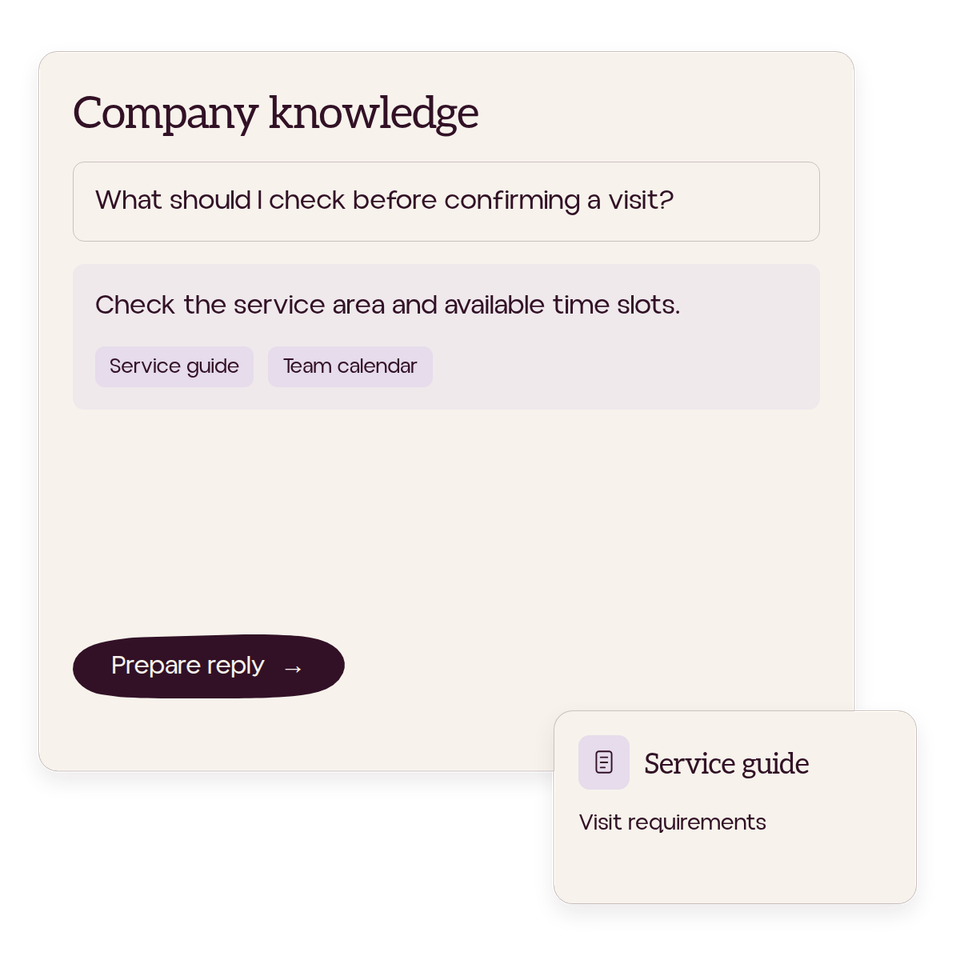
Workplace scene: Answers when you need them.
A customer request, its supporting agreement, and a draft awaiting human review.
Customer request → Current agreement → Response to review

Help the next step happen.

Find an answer and see where it came from. Prepare a response for review. Get a request to the person who can move it forward.

We build assistance for jobs like these, connecting company knowledge with the tools and people involved. Together, we agree what the system can do and where a person needs to review, decide or act.

Company InstallTurn that understanding into working assistance.
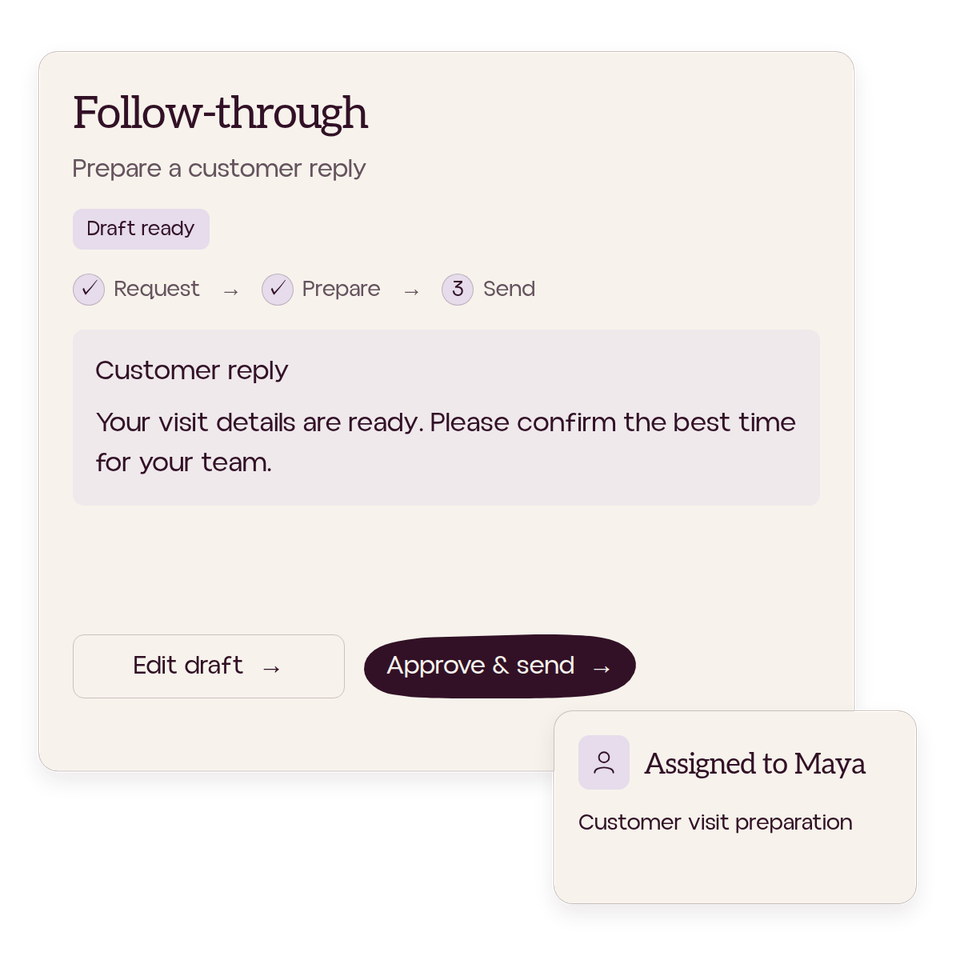
Workplace scene: Less chasing, more follow-through.
Customer reply draft shows its assigned owner, request-to-send progress, and Edit draft and Approve & send controls.
Request / Source / Decision needed / Next owner

Understand the work. Build with the people.

Our founder, Michael, leads the work with relevant technical and learning specialists. Your team helps us understand the job, the systems around it and what a better result would look like.

We consider the process, existing software, connected tools and custom AI assistance, then explain what we recommend and why.

Choose a first AI projectFind one piece of work worth improving.
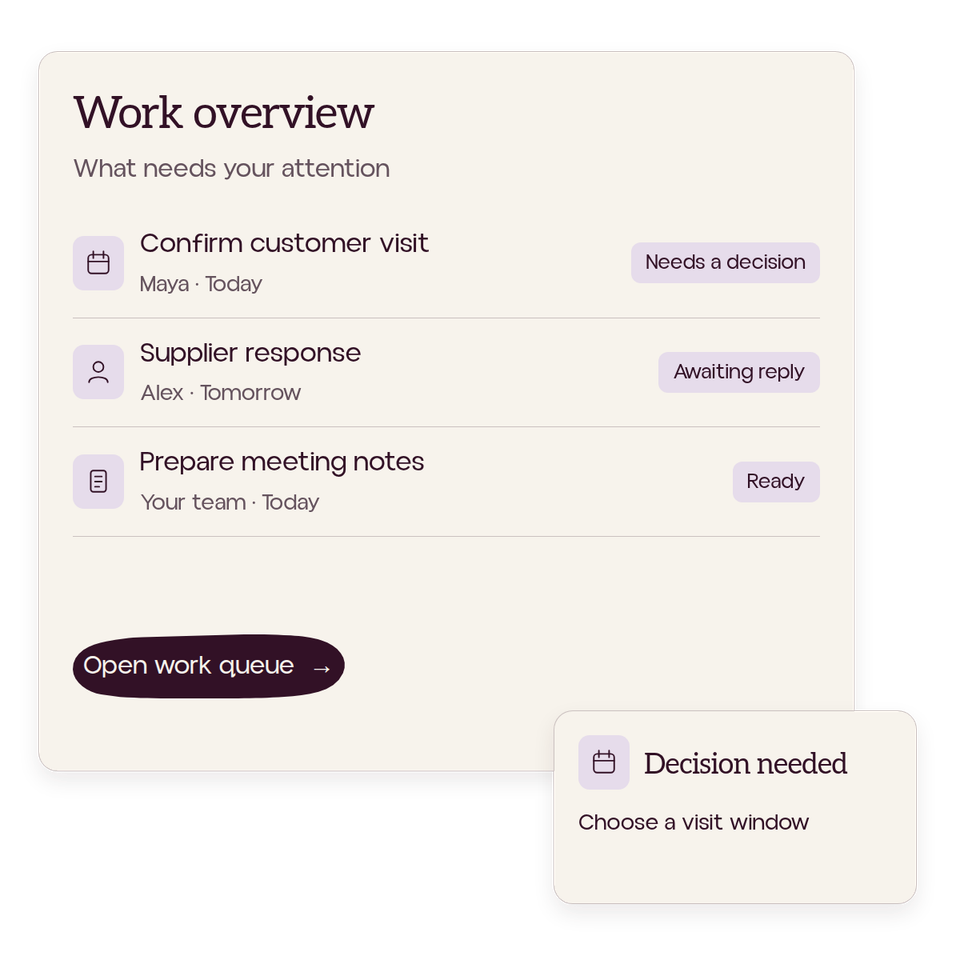
Workplace scene: See what needs you.
Work overview shows customer visits, supplier responses and meeting notes with owners, due dates and a decision queue.

Put it into practice.

Try the ordinary task. Question the answer. See what happens when information is missing or the usual approach fails.

We develop the assistance and the way people use it together. Practice helps us improve the system, the guidance and the support your team needs.

Ongoing supportKeep it working as the company changes.
Workplace scene: You’re human. Work should feel like it.

Make room for work that needs your people.

A customer who needs a conversation. A colleague who needs your experience. A decision that deserves careful judgment.

We examine whether the change helps across the whole job, including review, corrections and upkeep. The aim is to give people more capacity for the work that needs them.

Workplace scene: A collective for more human work.

Ways to work with br8n

Start with the work.
Build what it needs.

Your company’s knowledge provides the foundation. The job helps us decide where to begin.

One backlit seed head in focus amid blurred meadow grasses.01 Understand the company

Working Intelligence Audit

Understand what the work needs.

We sit with the people doing the job, trace its steps and examine the knowledge and systems it depends on. Together, we identify gaps, difficult handoffs and the options worth considering before choosing an implementation.

  • Employee insight
  • Process mapping
  • Company knowledge
Cream fabric lifting in the wind against open blue sky.02 Apply what we learn

Company Install

Turn that understanding into working assistance.

We capture and organise relevant knowledge, connect suitable tools and build the agreed assistance. Testing, guidance and practice with your team help shape how it works and how people use it.

  • Company knowledge
  • Connected tools
  • Team practice
Soft concentric ripples catching warm sunlight on blue water.03 Maintain and improve

Ongoing support

Keep it working as the company changes.

Knowledge changes. Tools change. People find new situations the original design needs to handle.

We can agree ongoing help with knowledge, connections and workflow improvements, alongside support for your team. Responsibilities and scope are agreed together.

  • Knowledge maintenance
  • Workflow review
  • Team support
A single amber leaf drifting through open blue sky.04 Find a starting point

Choose a first AI project

Find one piece of work worth improving.

Use the practical guide to identify a recurring task, check the information it needs and decide what a good result looks like. Define a first test your team can judge before committing to a wider implementation.

  • Practical guide
  • Workflow selection
  • First test

Field Notes and resources from BR8N

Practical ideas for understanding the work, choosing where AI can help, and putting it into practice.

Explore Field Notes and resources

Before we begin

A few practical questions.

Is this a fit for our team?

A good starting point is recurring work that depends on information, decisions or handoffs across people and tools.

You’ll need someone to own the change and time from the people doing the job. We start with your existing systems and examine what could improve through a process change, configuration or custom implementation.

See what we build

What does BR8N bring to the work?

Technical implementation and learning in the same engagement. We help your team understand the opportunity, build the agreed assistance, and practice using it in the job.

We agree what a useful result looks like, who reviews it and who keeps it working.

See how an Install works

What happens after we get in touch?

We discuss the work, the people involved and a sensible next step. Any paid work is scoped and agreed separately.

When deeper investigation is needed, we can agree a paid Working Intelligence Audit. When the implementation can already be scoped, we can discuss a Company Install directly.

Explore the Audit

Bring us a job your team knows too well.

The one that sends someone searching through folders. The handoff that needs another explanation. Tell us what happens today and what you wish your people had more time for.